SCREAM NOTE Streamer Mode
Let your chat trigger jumpscares — setup, boundaries, and broadcast layout tips.
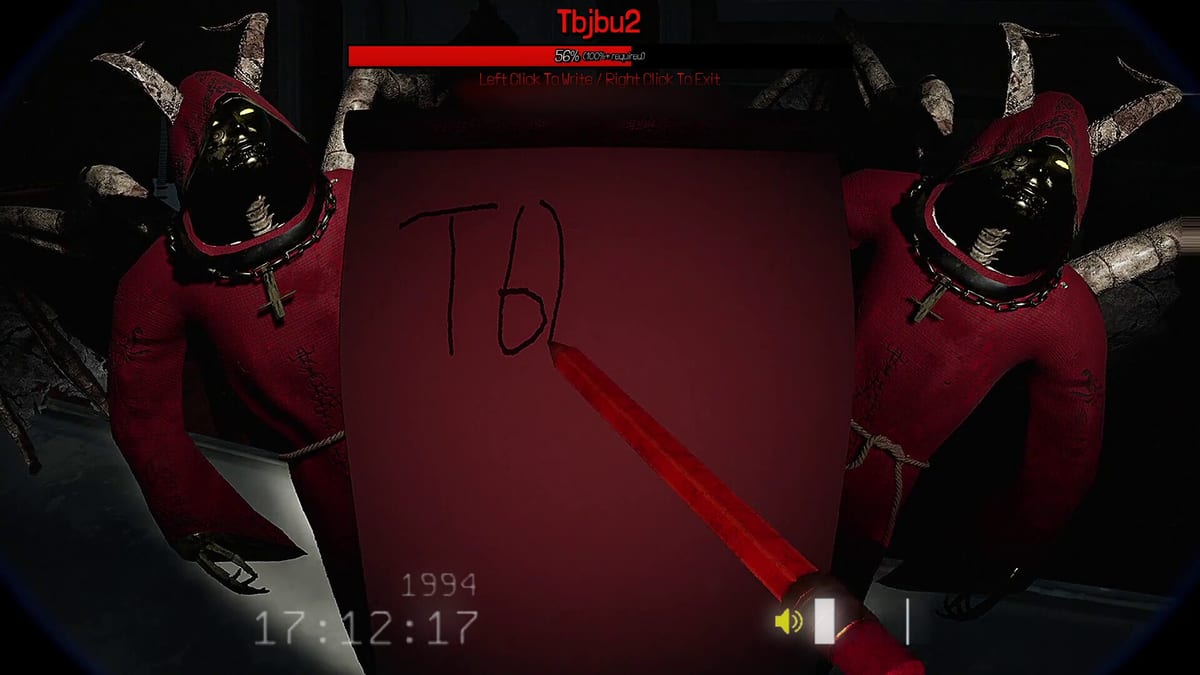
REAL PLAYERS markets Streamer Mode as a way for audiences to jumpscare the host using Twitch points, donations, subs, and bits — with claims that real streamers triple average revenue when chat participates. Whether you chase metrics or just want chaotic content, Streamer Mode turns SCREAM NOTE from a friend-group betrayal simulator into a broadcast where thousands of anonymous authors hold notebook power.
This guide covers enabling the mode, configuring Twitch integrations, setting safety boundaries, and keeping co-host friends willing to return next week.
What Streamer Mode adds
Standard multiplayer already supports 2–8+ friends writing names. Streamer Mode extends authorship to viewers when connected to supported broadcast tools. Chat redeems can queue scares on the streamer or, depending on patch settings, on players in the lobby.
Expect:
- Higher scare frequency than private lobbies.
- Unpredictable timing — chat loves ruining serious escape attempts.
- Clips where the streamer screams louder than game audio — that is the design.
Review controls and settings to disable optional PC-reach scares before going live if your overlay layout cannot handle desktop effects.
Setup checklist
- Update the game — match live build on the updates hub.
- Enable Streamer Mode in Settings → Stream / Broadcast (exact menu label may vary).
- Connect Twitch through the in-game linking flow or documented third-party bridge — follow on-screen OAuth prompts.
- Configure redeem costs — price scares so spam is possible but not instant round-ending.
- Test with mods — one moderator redeem before public goes live.
- Set audio ducking in OBS so jumpscares clip without blowing ears.
Invite co-stream friends using the lobby guide. Label the session Streamer Mode in title so guests know chat participates.
Content boundaries
Before broadcasting:
- Ask friends if audience scares can target them or streamer-only.
- Disable PC-reach scares if recording facecam near monitors.
- Warn chat about epilepsy / startle sensitivity in panel text.
- Keep tier list extreme scares off redeem tables for family-friendly hours.
Streamer Mode is opt-in chaos. Friends who wanted cooperative escape may rage-quit if chat fires bridge scares — set expectations in Discord pre-show.
Broadcast layout tips
- Facecam bottom corner opposite scare pop direction.
- Alert box for redeems so viewers see their scare queue.
- Clip markers hotkey — SCREAM NOTE generates viral moments on strike two and three.
- Proximity voice chat still works — co-hosts sell reactions better than solo silence.
Link chat to guides mid-stream: “Mechanic explained on screamnote.wiki” with a panel link to Scream Note mechanic.
Revenue and engagement
REAL PLAYERS cites triple revenue from real streamers — treat that as marketing, not guarantee. Engagement tactics that actually work:
- Name redeem tiers after scare categories from the tier list.
- Run elimination tournaments with sub-only final scares.
- Co-play with another streamer; audience picks victims.
Track patch notes — redeem APIs may change with Steam updates.
Related resources
| Topic | Link |
|---|---|
| Voice chat | Co-op multiplayer |
| Scare picks | Jumpscare tier list |
| Comfort settings | Controls |
| Reviews | Game review |
Streamer Mode is SCREAM NOTE at maximum volume — configure boundaries before chat discovers the clown-in-the-trees redeem.
Frequently Asked Questions
Quick answers about SCREAM NOTE gameplay and this wiki.
Does Streamer Mode require Twitch?
Marketing emphasizes Twitch bits, subs, and donations. Check in-game settings for supported platforms after patches.
Can viewers scare my friends?
Depends on lobby configuration. Test privately before allowing audience targets on co-hosts.
Is Streamer Mode available day one?
Steam feature list includes it at launch. Verify in Settings after updating to the latest build.
How do I prevent redeem spam?
Raise bit costs, add cooldowns in Twitch dashboard, and disable extreme scares from chat tables.
Will Streamer Mode affect ranked play?
There is no ranked mode — Streamer Mode is for casual and broadcast lobbies only.